
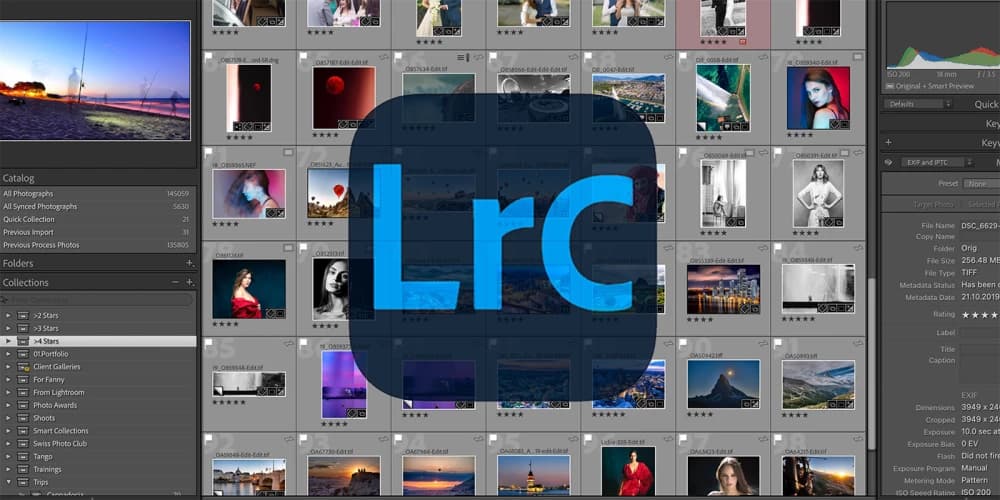
Lightroom Course for Beginners 1-Day Workshop
Adobe Lightroom Full Day Course
Course Info
The Essentials Intensive: Organize and Edit in One Day
Our Full Day Lightroom Classic course is a fast-paced, intensive workshop designed to get you up and running immediately. Led by professional photographers who use this software daily, this course condenses the critical workflows of organization and editing into a single 7-hour day. This version covers the essential techniques needed to manage your library and make your photos look amazing. (Note: For advanced features and deep-dives into complex tools, we recommend our 5-week Evening Course).
Course Information
Key Features
- Expert Instruction: Classes conducted by experienced professional photographers.
- Always Current: Course contents are updated three times a year to ensure you learn the newest tools.
- AI Integrated: We cover the latest essential AI features for culling and editing.
- Duration: 7 hours (Full Day Intensive).
- Format: Condensed, practical training covering the essential workflow.
- Skill Level: Beginner.
What You Will Learn
- Solid Setup: How to set up your Catalog and storage correctly from day one to avoid "missing files" errors.
- Import & Sort: Best practices for importing photos and using flags/stars to select your favorites quickly.
- Editing Essentials: How to develop your files to recover shadows, fix highlights, and correct white balance.
- Selective Editing: A guide to using Lightroom's masking tools (Subject/Sky selection) to edit specific parts of an image.
- Distraction Removal: How to clean up your images using the Remove tool.
- Safe Exporting: How to save your finished photos as JPEGs for web and print without losing quality.
What to Bring With You
- Your laptop with its charger: If you don't have your own laptop, please write to us in advance and we can provide one for you for the course
- Lightroom and Lightroom Classic both installed. To download, choose “Creative Cloud Photography Plan”.
- Photos: Please bring a memory card with photos you want to import and practice with. You may also bring a hard drive with your existing library. Any file format is acceptable (RAW, JPEG, TIFF, etc.).
Which Lightroom course should I choose?
Pick the 1-day Lightroom course if you want to learn the essentials quickly. Pick the Lightroom evening course if you want to deepen your photo workflow over 5 weeks with guided practice between sessions.
Course Outline
Morning: Setup & Library Module
- The Lightroom Ecosystem: Catalog vs. Actual Images (avoiding data loss).
- Storage Strategy: Recommended folder structures and backup advice.
- Importing: A walkthrough of the Import window and file handling presets.
- Culling: The "Traffic Light" system (Picks/Rejects) to speed up your selection process.
- Collections: Using Collections to group photos virtually without duplicating files.
Mid-Day: The Develop Module (Global)
- Basic Panel: Adjusting Exposure, Contrast, Texture, and Clarity.
- Color & White Balance: Correcting color casts and using Profiles.
- Crop & Geometry: Straightening horizons and fixing perspective distortions.
- Details: Applying Sharpening and Noise Reduction.
Afternoon: Local Adjustments & Output
- Masking Essentials: Using AI to instantly select Subjects and Skies.
- Manual Touch-ups: Using the Brush and Gradient tools for specific fixes (Dodge & Burn).
- Cleaning Up: Using the Remove tool to delete dust spots and unwanted objects.
- Exporting: Creating presets to export images for Social Media and Print.
Select Date & Time
Filter Courses
Reviews

Swiss Quality in Photography Education
Swiss Photo Club is one of the most highly rated photography schools in Europe, with an impressive average rating of 4.95 out of 5 from our students. We offer both short-term and long-term photography education, designed to suit all levels and learning goals. Our standardized curriculum ensures consistency across all our classes and instructors, and is updated annually to stay aligned with the latest trends and techniques. Upon completion of any course, participants receive a certificate recognizing their achievement and progress.

DIDN'T FIND WHAT YOU ARE LOOKING FOR?
Feel free to contact us or subscribe to our email list to hear about new courses